2026 buyer's guide

The best AI interior design tools, compared honestly

There is no single winner, only the right tool for your job. We grouped the leading options by what they actually do, redesign a real room versus stage an empty one, with real pricing and where each one falls short.

How we compared: tools are grouped by the job they do, with pricing read from vendor pages in July 2026 and scope taken from each product's own stated capabilities. Plans change often, so confirm current pricing on each vendor's site.

The short answer

Best AI interior design tool for each job

In a hurry? Jump straight to the pick that matches what you are trying to do.

Best for redesigning a real room

AI Room Styler

Restyle a photo of your own room across 30+ photoreal styles. Built for homeowners and short-term rental hosts, not just realtors.

Best for staging vacant listings

Virtual Staging AI

Furnishes empty listing photos fast, with real furniture-removal. Purpose-built for real estate agents.

Best all-round toolkit

REimagineHome

The widest feature set: redesign, staging, exteriors, and landscaping in one place, with a genuine free trial.

Best for professional designers

Spacely AI

CAD plugins (SketchUp, Revit, Rhino) and a free-forever tier. Aimed at architects and studios over casual users.

Simplest quick redesign

RoomGPT

Dead-simple, cheap one-off credits, redesign-only. Good when you just want one room reimagined without a subscription.

Real-estate extras

Collov AI

Twilight shots, sky replacement, and 360 tours for brokerages. A staging specialist, not a home-furnishing playground.

Side by side

AI interior design tools compared

Entry pricing and the job each tool is built for. Most run on credits, so read the notes, not just the headline price.

Tool Best for Free to try Starting price Redesign / staging
AI Room StylerThis siteHomeowners & hosts redesigning real roomsTry a room freeCredit packsno subscription lock-inRedesign + staging
Virtual Staging AIRealtors staging vacant listingsFree editing trial~$15–20/moentry tier, a few photos/mo, billed yearlyStaging
REimagineHomeAll-round staging & redesign5 free designsCredit plansdollar pricing shown after sign-upRedesign + staging
Collov AIReal-estate staging & tours5 free (watermarked)~$15–20/mobilled annually; per-photo add-onsStaging
Spacely AIPro designers & architectsFree forever, 40 credits~$20/mobilled yearly; CAD pluginsRedesign + CAD render
Interior AIRedesign + staging, versatileLimitedAnnual plansstaging plan around $390/yr; other tiers opaqueRedesign + staging
RoomGPTQuick, cheap one-off redesigns1 free creditOne-off creditsbuy-as-you-go; pricing shown at checkoutRedesign

Prices are the entry paid tier, verified July 2026. Credit-based plans vary with usage; where a vendor gated its pricing we describe the model rather than quote an unconfirmed figure.

How to choose

Six things that actually separate these tools

Ignore the marketing numbers. These are the questions that decide whether a tool is worth paying for.

01

Redesign vs. staging

These are two different jobs. Redesign restyles a furnished room you already have; virtual staging furnishes an empty listing to sell it. A staging specialist is wasted on a homeowner, and a redesign app can look thin to an agent. Match the tool to the job first, then compare price.

02

Does it respect your real room?

The tools worth paying for redesign from a photo of your actual space and keep the windows, proportions, and architecture. The weaker ones drift toward a generic render that no longer looks like your room. If it cannot hold the layout, the output is inspiration, not a plan.

03

How pricing really works

Most of these run on credits, not flat images, so the sticker price hides the real cost. A cheap tier with six photos a month is not cheap if you need thirty. Check credits per render and whether unused credits roll over before you judge a plan by its headline number.

04

Styles and control

Count the styles you would actually use, not the marketing number. Then check how much you can steer the result: swap a single style, keep the sofa, change only the walls. Fine control is the difference between a fun toy and something you can decorate from.

05

Watermarks & commercial rights

Free tiers often watermark output, and not every license lets you use a render in a paid listing or a client deck. If the images are going in front of guests, buyers, or clients, confirm you own a clean, commercially usable file.

06

Speed and iteration

You will not nail the look on the first try, so the cost that matters is the cost of the tenth attempt. Fast, cheap iteration beats a single pristine render, because real design happens in the retries, not the first generation.

Tool by tool

An honest read on each tool

AI Room Styler

This site

Best for redesigning a room you actually live in or rent out

Upload a photo of a real room and restyle it across 30+ photoreal looks in about 30 seconds, then use the render as a shopping brief before you spend on furniture. It handles both redesign and virtual staging, which makes it a fit for homeowners and Airbnb hosts as well as agents. It is not a CAD suite, so if you need to render straight from SketchUp or batch-stage hundreds of listings a month, a specialist tool below will serve you better.

Virtual Staging AI

Best if your only job is staging empty listings

Fast, roughly ten-second staging with genuine empty-room furnishing and furniture removal, and no watermark on paid plans. Per-photo cost drops sharply at volume, which agents will like. The trade-off is scope: it is a staging tool, not a place to play with redesigning your own home, and the entry tier of a handful of photos a month is thin if you list often.

Read the full AI Room Styler vs Virtual Staging AI comparison

REimagineHome

Best all-round feature set

The broadest toolkit here: redesign, staging, exteriors, landscaping, shoppable products, and conversational editing, plus a real five-design free trial with no card. The catch is pricing transparency. Plans are credit-based and the dollar figures did not render until sign-up, and richer features like real product swaps cost extra credits, so the true monthly cost takes some math.

Collov AI

Best real-estate extras for brokerages

Aimed squarely at real estate: twilight conversions, weather and sky cleanup, 360 and 3D tours, and a commercial license included. Standard pricing sits around $20/mo billed annually. It is explicitly not built for home furnishing or homeowners, and the free tier watermarks output, so it earns its place for listing agents rather than people restyling their own space.

Spacely AI

Best for professional designers and architects

A rare free-forever tier (40 credits, watermark-free, commercial license) plus plugins for SketchUp, Revit, AutoCAD, and Rhino, so pros can render straight from CAD. Personal starts around $20/mo billed yearly with 4K output and credit carryover. Renders cost two to eight credits each, so per-image cost varies, and the whole thing is pitched at pros more than casual redesigners.

Interior AI

Versatile, but pricing is opaque

A well-known, versatile option covering redesign, staging, sketch-to-render, and even flythrough video. Its virtual-staging plan (around $390/yr) is strong value at volume. The downsides are a weakened 2026 free tier, standard pricing that is hard to pin down without signing up, and quality that reviewers have called inconsistent, so try before you commit a year.

RoomGPT

Simplest way to reimagine one room

Dead-simple and homeowner-friendly, with millions of users and cheap one-off credit packs instead of a subscription. It is redesign-only, so there is no true empty-room staging, and pricing sits behind a login and leans on discount codes. Perfect when you just want to see one room in a new style without signing up for a plan.

Read the full AI Room Styler vs RoomGPT comparison

Other tools you will see mentioned

3D design suites
Homestyler and Planner 5D take a different approach: you build a room from scratch with floor plans and asset libraries, with AI rendering bolted on. Generous free tiers, but not photo-redesign-first and a steeper learning curve. Reach for them to design a space from nothing rather than restyle a photo of one you already have.
Professional all-in-one
Foyr Neo is the name you will see for end-to-end professional design: modeling, rendering, and asset management in one suite. It is built for working designers and priced accordingly, more tool than a homeowner needs for a quick restyle.
Human-in-the-loop services
When you want a real designer rather than just software, Decorilla and Havenly pair you with one, and BoxBrownie is a go-to for human-edited virtual staging. Slower and pricier than self-serve AI, but a person owns the final result.
General-purpose AI
ChatGPT, Midjourney, and Canva can generate room images too, and they are the free baseline many guides benchmark against. Flexible, but not built for interior design: no keep-my-layout redesign, no staging workflow, and inconsistent room fidelity.
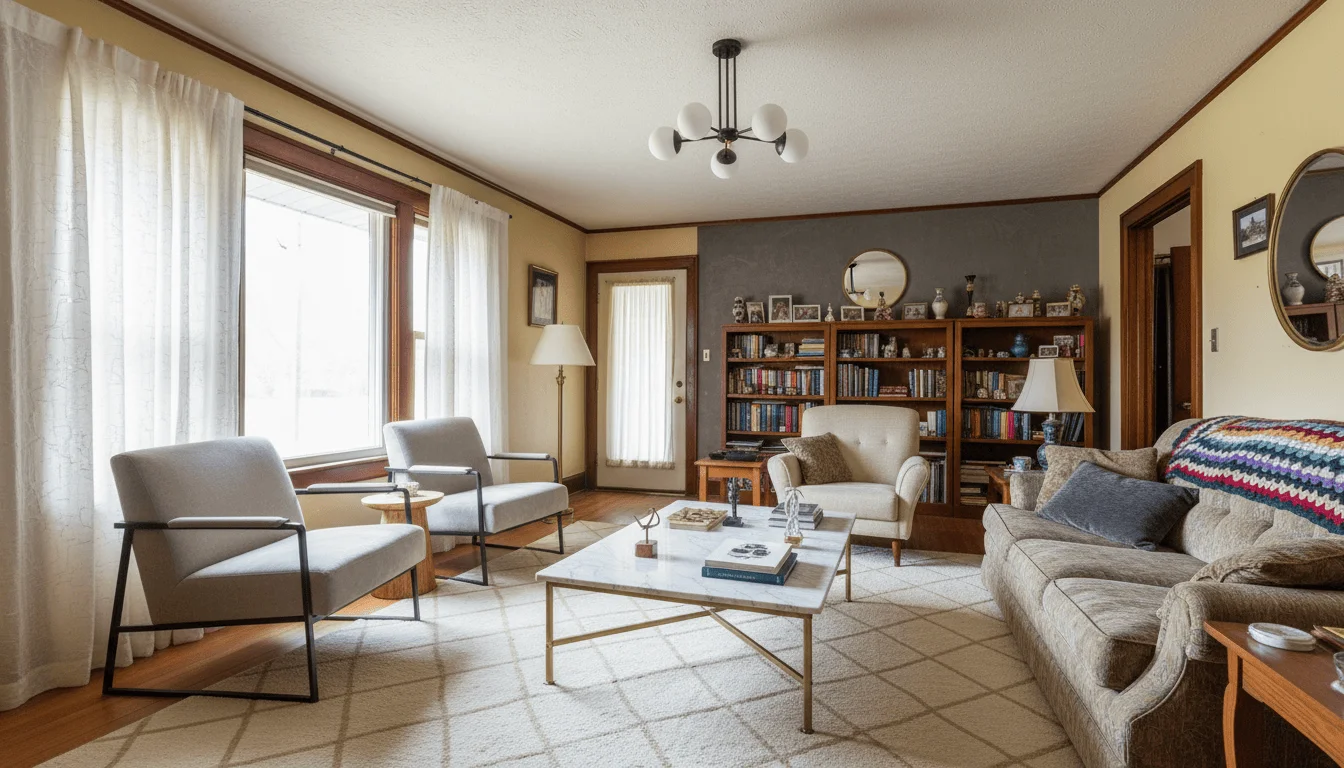
Where AI Room Styler fits

Who we are, and are not, the best pick for

We built AI Room Styler for the person restyling a room they actually use: a homeowner planning a refresh, or a short-term rental host who needs the listing to photograph well. Upload a photo, try 30+ photoreal styles on your real space, and walk into the store with a shopping brief instead of a guess. It covers virtual staging too, so an empty room and a furnished one both work.

We would rather point you to the right tool than oversell ours. If you are a brokerage batch-staging hundreds of vacant listings a month, a staging specialist like Virtual Staging AI or Collov will be more efficient. If you render straight from SketchUp or Revit, Spacely's CAD plugins are built for that. If you are a real estate agent, see how AI Room Styler fits the full listing workflow in our guide to AI for real estate agents. For everyone redesigning a real home from a photo, we think we are the best-value place to start, and you can try a room before you pay anything.

Real AI Room Styler output
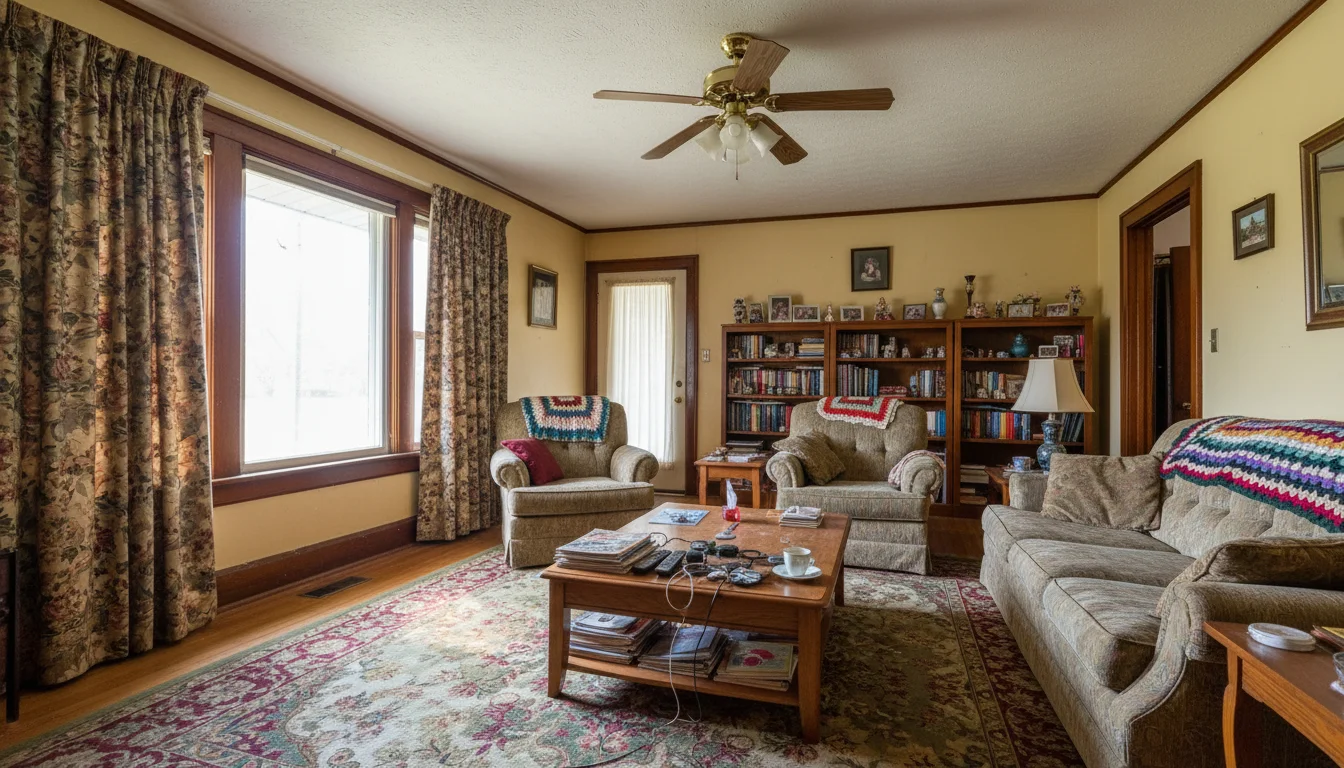
Dated living room restyled with AI Room Styler (before)Before
Dated living room restyled with AI Room StylerAfter

Living room, restyled

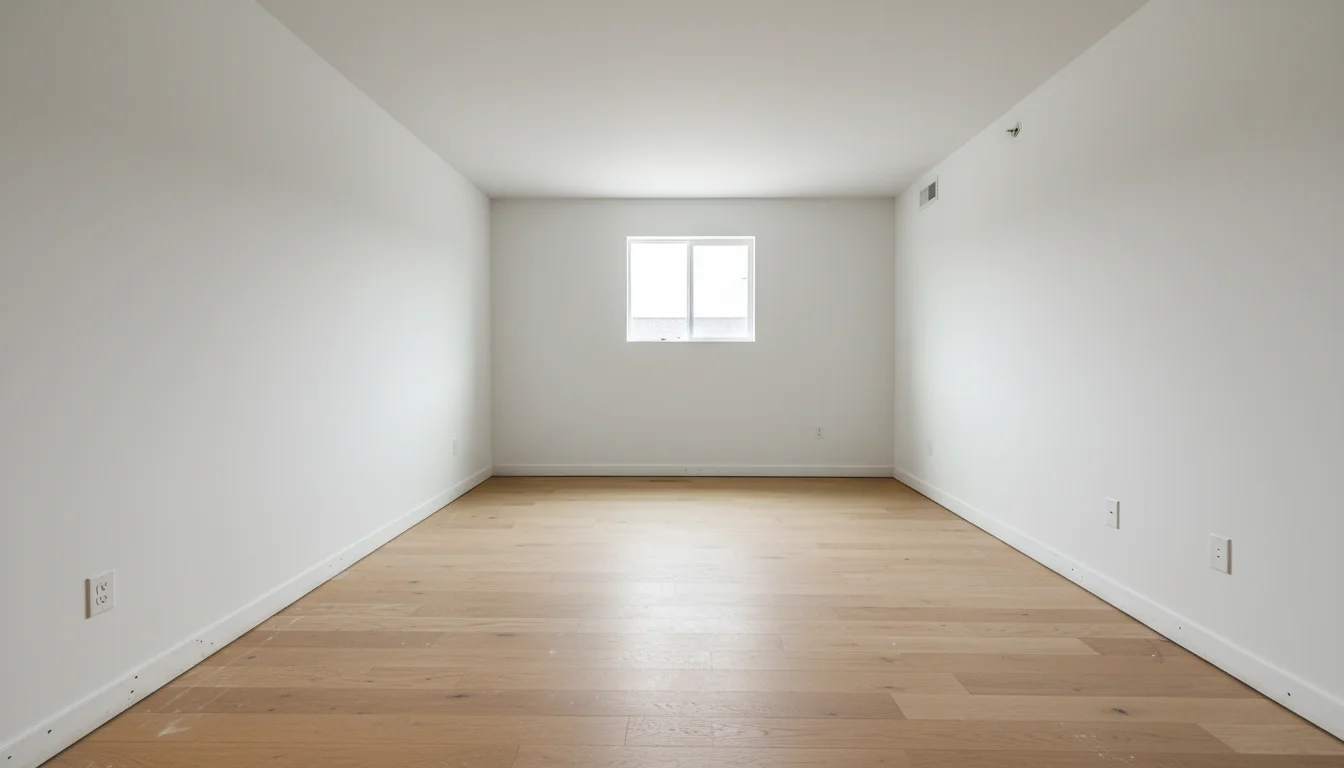
Empty room virtually staged with AI Room Styler (before)Before
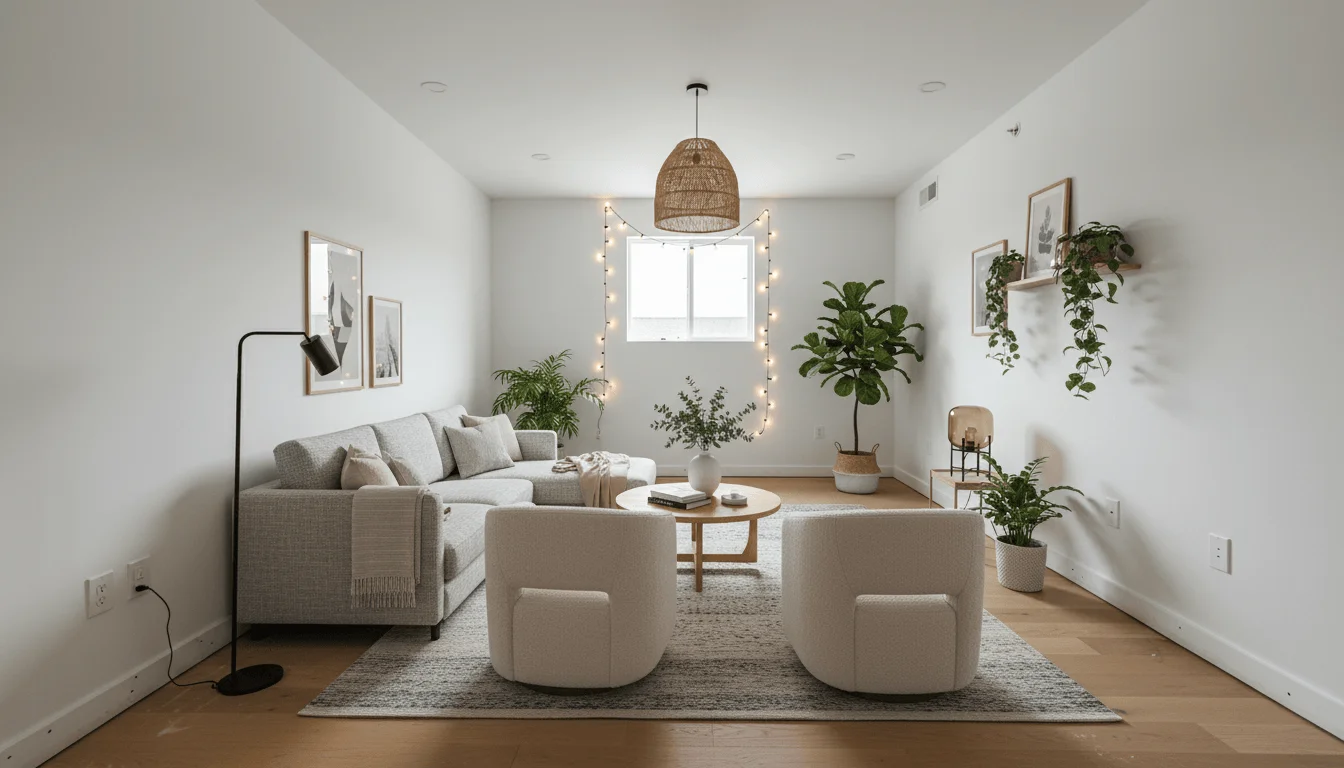
Empty room virtually staged with AI Room StylerAfter

Empty room, virtually staged

Rough room concept rendered photorealistically with AI Room Styler (before)Before
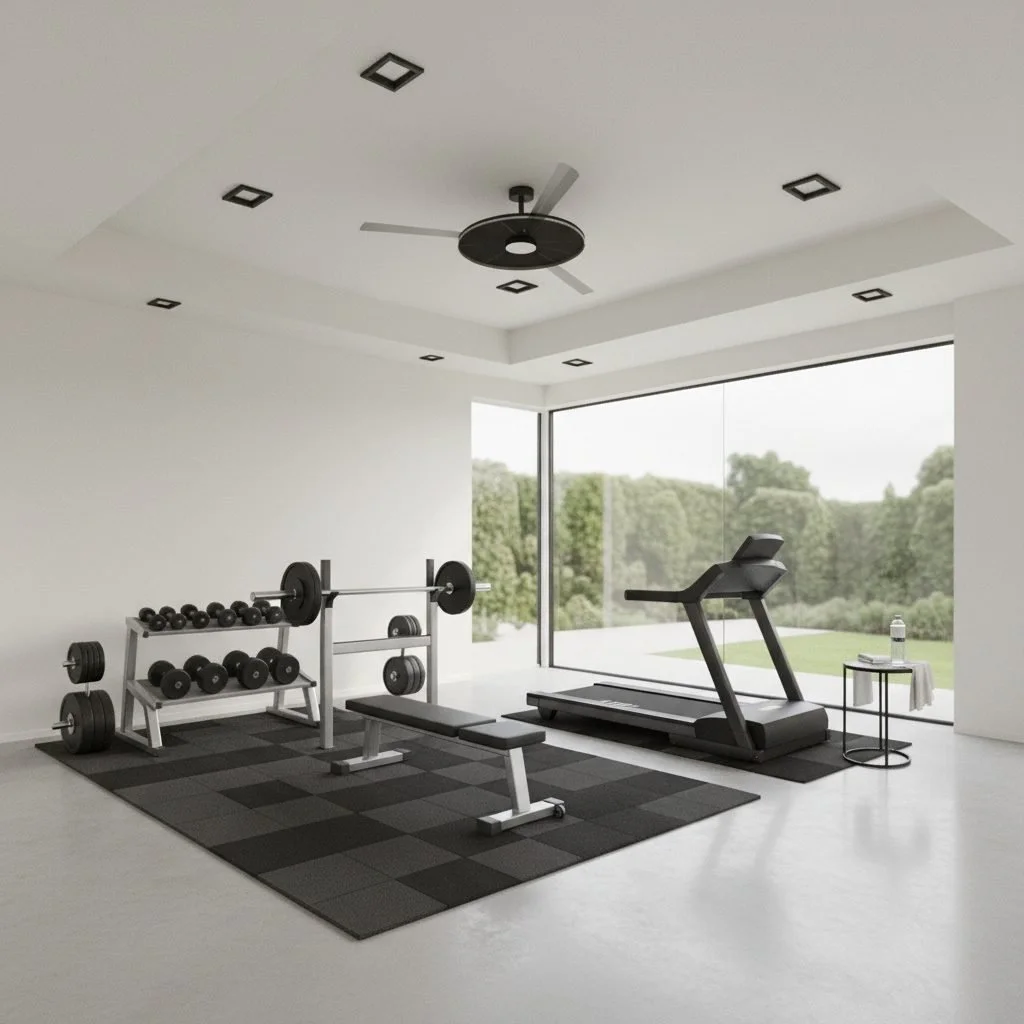
Rough room concept rendered photorealistically with AI Room StylerAfter

Concept, rendered

Example restyles generated with AI Room Styler. Competitor outputs are not shown; try any look on your own room in 30 seconds.
Try AI Room Styler Free

Try a room free · No card required · Restyle in 30 seconds

FAQ

Choosing an AI interior design tool

Redesign vs. staging, real costs, and what to check before you pay.

There is no single best tool, only the best tool for your job. To redesign a room you own or rent out from a photo, AI Room Styler is the strongest all-round pick because it handles both redesign and virtual staging and works from your real room. To stage vacant listings as an agent, Virtual Staging AI or Collov are purpose-built. For the widest feature set, REimagineHome leads, and for CAD-based professional work, Spacely AI is the fit. Decide whether you need redesign or staging first, then compare on price and control.

Redesign restyles a room you already have furniture in: you upload a photo and see it in a new style, palette, or layout. Virtual staging furnishes an empty room, typically a vacant listing, so buyers can picture living there. Some tools do both, but many specialise. Homeowners and hosts almost always want redesign, while listing agents usually want staging. Buying the wrong one is the most common mistake.

Yes, though free usually means a trial or a small credit allowance rather than unlimited use. Spacely AI has a genuine free-forever tier with 40 watermark-free credits, REimagineHome offers five free designs with no card, and RoomGPT gives a free credit to start. Most free outputs are limited in count or watermarked, so they are best for testing whether a tool suits your rooms before you pay.

Entry paid plans generally run around $15 to $20 a month when billed annually, verified in July 2026. Most plans are credit-based rather than flat, so the real cost depends on how many renders you make and how many credits each one uses. Always check credits per image and whether they roll over, because a cheap headline price with a low photo cap can cost more than it looks.

For agents whose main job is staging empty listings, Virtual Staging AI is fast and purpose-built with genuine furniture removal, and Collov AI adds real-estate extras like twilight shots and 360 tours. Interior AI is strong on staging value at higher volume. If you also want to restyle furnished rooms, or you are a host rather than an agent, a redesign-capable tool like AI Room Styler covers both jobs in one place.

The better tools redesign from a photo of your real room and preserve the windows, proportions, and architecture, so the result is a plan you can act on. Weaker ones drift toward a generic render that no longer matches your space. If keeping your real layout matters, and it should if you plan to shop or stage from the result, test each tool on one of your own rooms and check how faithfully it holds the bones of the space.

Sometimes, but check the license. Free tiers often watermark output, and not every plan grants commercial rights to use a render in a paid listing or a client presentation. Spacely and Collov include commercial licenses on paid tiers, for example. Before you put an AI image in front of buyers or clients, confirm you have a clean, watermark-free file and the right to use it commercially. For MLS listings, most boards also require you to clearly label virtually staged photos as such.

We grouped tools by the job they do, redesign versus staging, then compared free tiers, entry pricing, how faithfully each works from a photo of a real room, style range and control, watermarks and commercial rights, and speed of iteration. Pricing was read from vendor pages in July 2026 where it was public, and described qualitatively where a vendor gated it. Prices and plans change often, so confirm current pricing on each vendor site before you buy.

Skip the comparison paralysis

Try AI Room Styler on one of your own rooms and see the result before you commit to any tool.

Restyle a Room Free